
In Kenya’s vibrant e-commerce landscape, offering M-Pesa as a payment option isn’t just a convenience—it’s a necessity. But are you truly leveraging M-Pesa to its full potential? If your WooCommerce store isn’t offering instant Kopo Kopo M-Pesa STK Push, you might be leaving sales on the table.
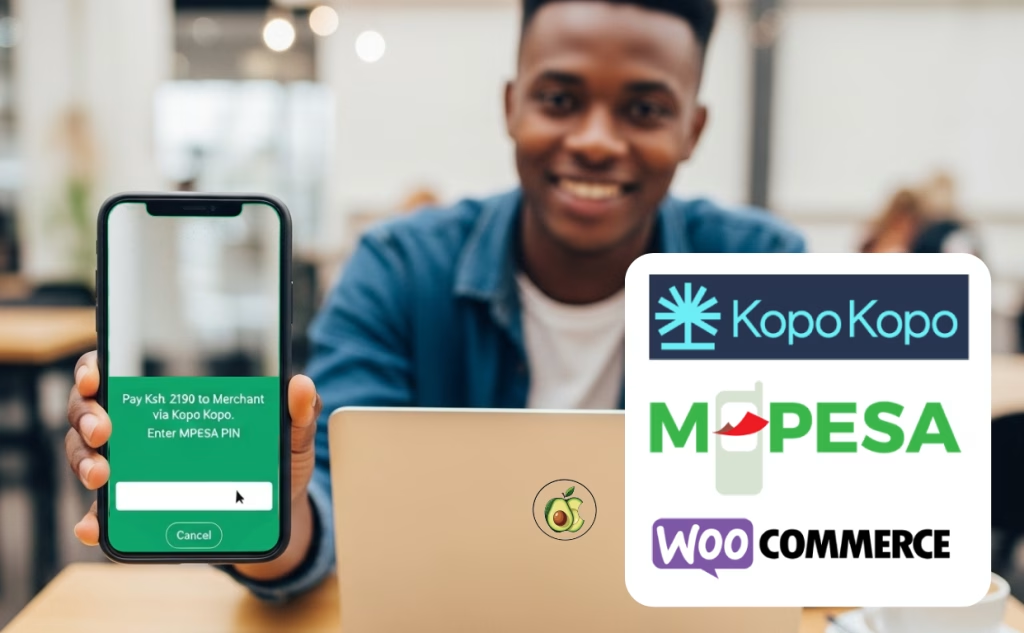
“This isn’t just another payment plugin; it’s your key to unlocking faster checkouts, reduced cart abandonment, and happier customers across Kenya.”
The Challenge: The Clunky Checkout That Kills Sales
Imagine this: a customer finds your perfect product, adds it to their cart, and heads to checkout. Then, they encounter a payment process that requires them to:
Minimize their browser.
Go to their M-Pesa menu.
Enter a Paybill or Till Number manually.
Type in the exact amount.
Wait for a confirmation.
Every one of those steps is a chance for them to get distracted, make a mistake, or simply give up. This “clunky checkout” is a silent killer of website sales for Kenyan sellers.
The Solution: Seamless Kopo Kopo M-Pesa STK Push
Our Kopo Kopo M-Pesa Gateway plugin for WooCommerce transforms this experience. Instead of a manual process, your customer simply enters their M-Pesa phone number on your checkout page. Within seconds, they receive an STK Push (a secure PIN prompt) directly on their phone. They just enter their PIN, and voila! Payment confirmed.
How It Works (In a Nutshell):
Customer Adds to Cart & Proceeds to Checkout.
Selects M-Pesa as Payment Option.
Enters their M-Pesa Phone Number.
Clicks “Place Order.”
Receives an STK Push (PIN prompt) on their phone.
Enters PIN to Authorize Payment.
Order Confirmed on your WooCommerce store!
Behind the scenes, the plugin securely communicates with Kopo Kopo, instantly updating the order status on your WooCommerce dashboard. No manual checks, no delays.